Desktop N Draw
Desktop N Life
Your whole home diary, in one locked app

Daily expenses, bills, medicines, tasks, family ID cards, the monthly kirana list, yoga and healthy food — in Marathi, Hindi or English. Everything stays locked on your phone.

Free right now · Ask on WhatsApp

  • One app for the homeMoney, family and health.
  • Your languageMarathi, Hindi and English.
  • Locked on your phonePIN, fingerprint and encryption.
  • Backup to your DriveEvery day, only you can open it.

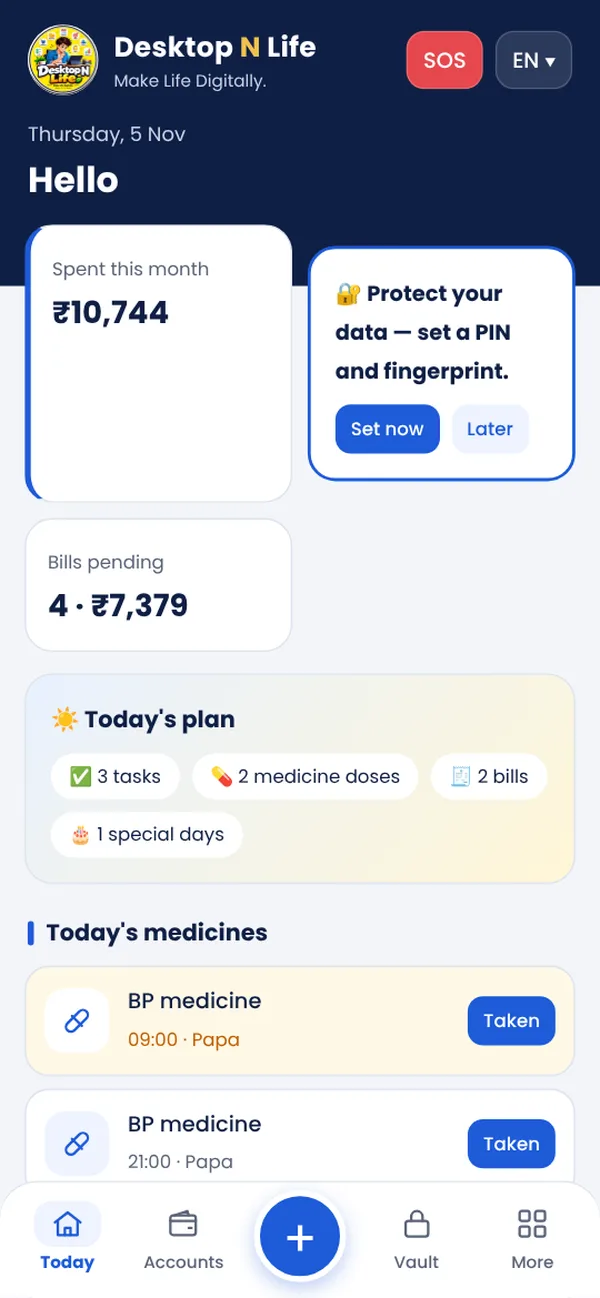
The whole day on one screen

Tasks, medicine doses, bills due and special days — all on the first screen. Tap "Taken" for each medicine.

  • SOS page: call 112, emergency contacts and blood groups
  • Big-text mode for elders
  • Speak an expense instead of typing

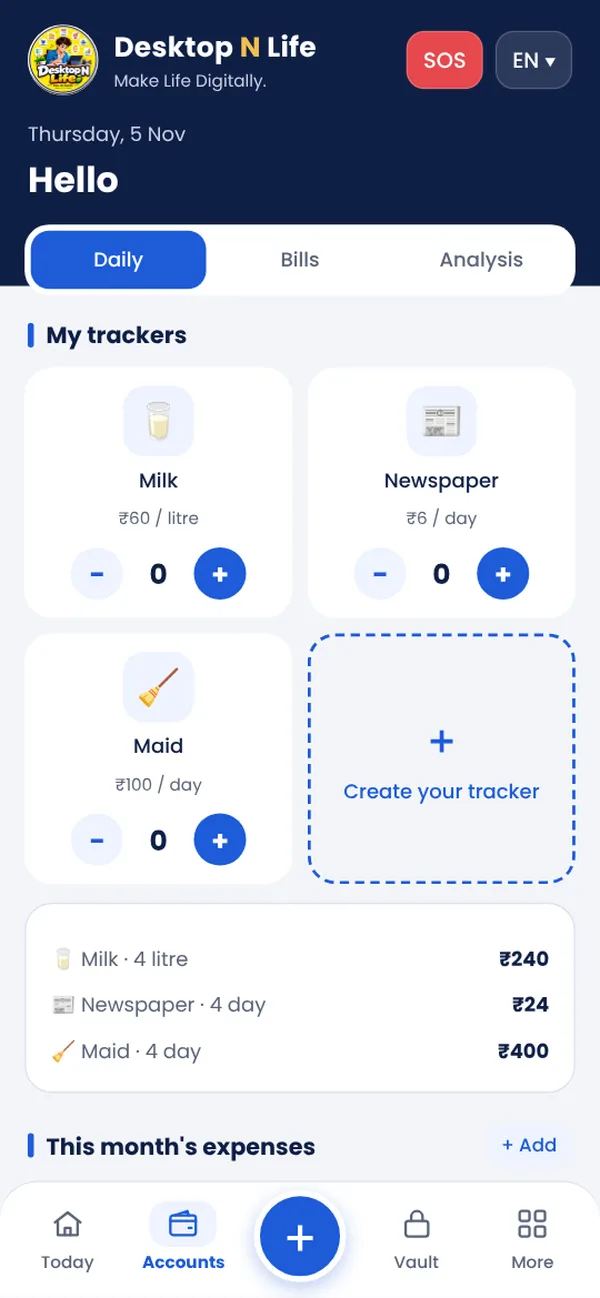
Expenses, bills and budgets — without a notebook

Milk, newspaper, maid: tap + every day and the month total is ready. Bills with due dates, UPI pay and EMIs marked by themselves.

  • Budgets per category with a warning
  • Monthly report as PDF or on WhatsApp

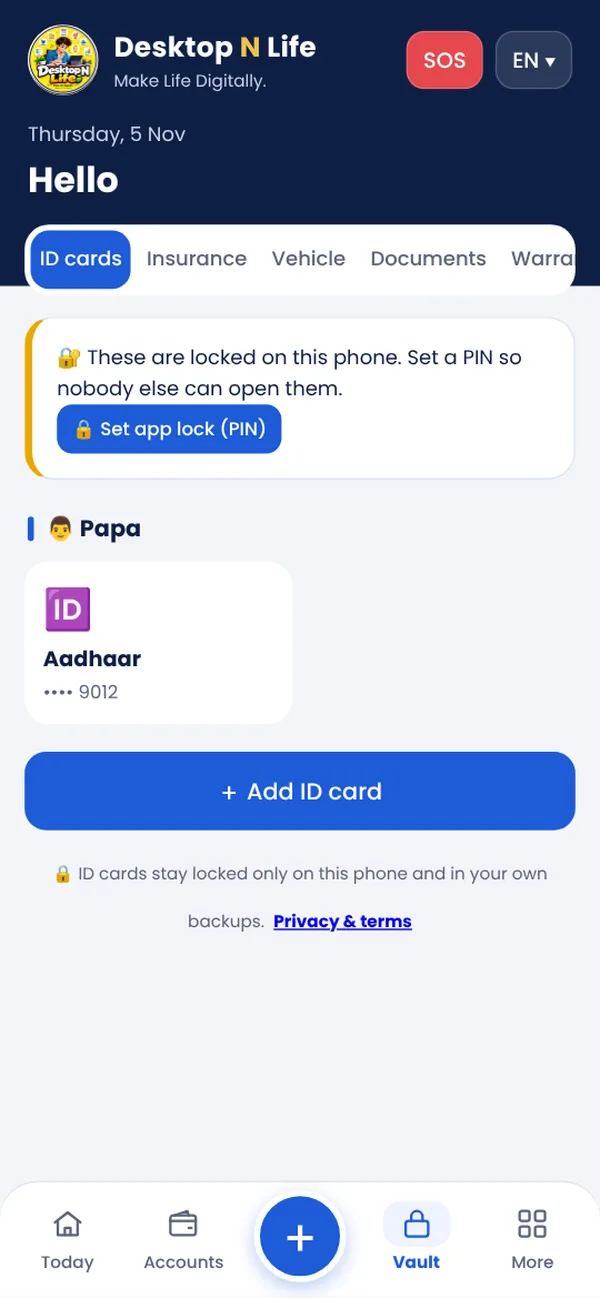
Family ID cards, always with you and always locked

Aadhaar, PAN, driving licence, RC, voter ID — a photo of both sides for each family member, with the number masked. Insurance, vehicle papers and warranty dates in one place.

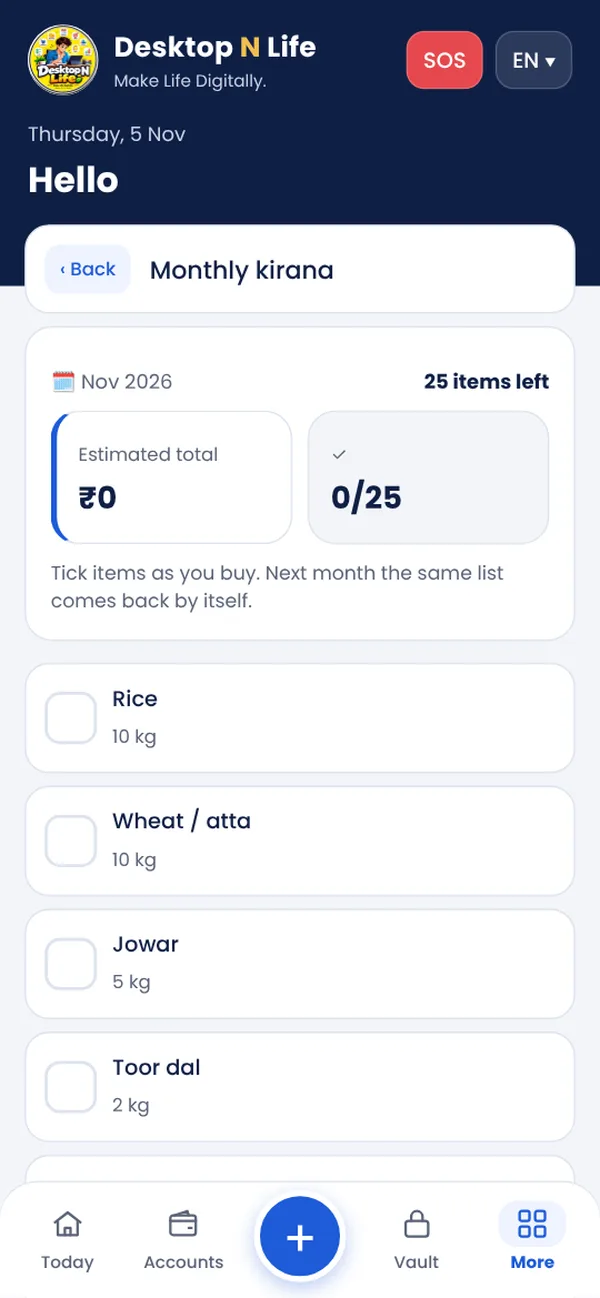
The monthly kirana list that writes itself

25 ready items — rice, atta, dal, oil… Change the quantity, send it to the shop on WhatsApp, tick while buying. The same list comes back next month.

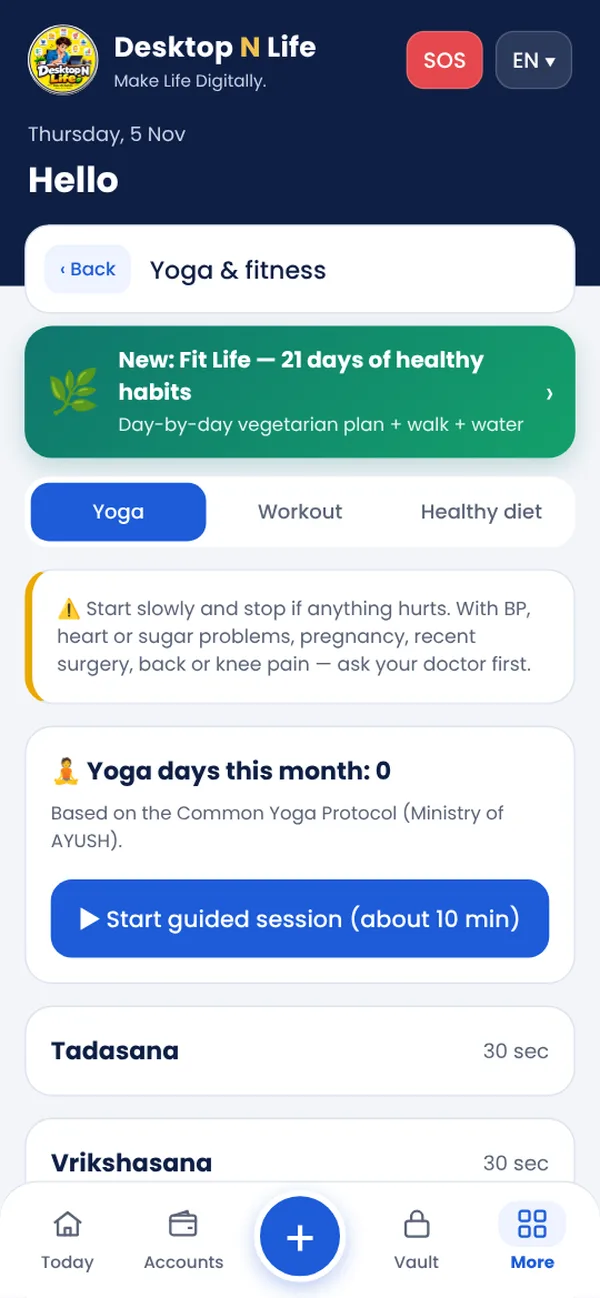
Yoga, walking and a healthy plate

Guided yoga of about 10 minutes based on the Common Yoga Protocol (Ministry of AYUSH), simple home and walking plans, and vegetarian menus based on ICMR-NIN "My Plate". General information only — ask your doctor first.

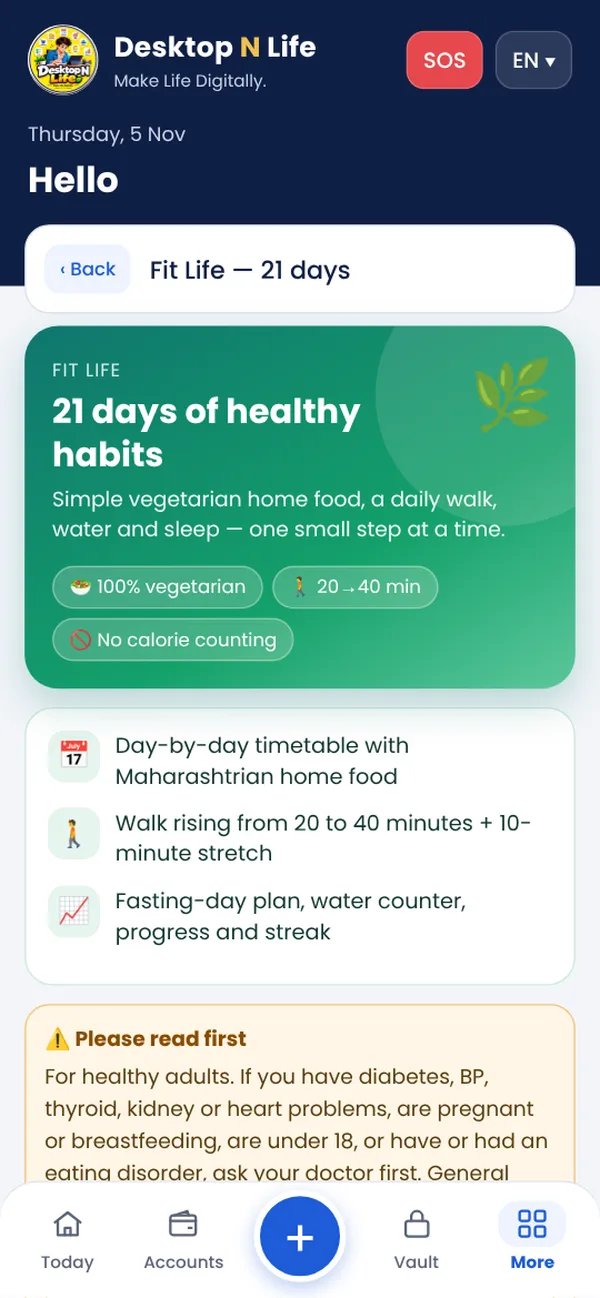
Fit Life — 21 days of healthy habits

A simple vegetarian day plan, water glasses, and a walk that grows from 20 to 40 minutes. Calendar, streak and a share card. Have BP or diabetes, are pregnant or under 18? Talk to your doctor first.

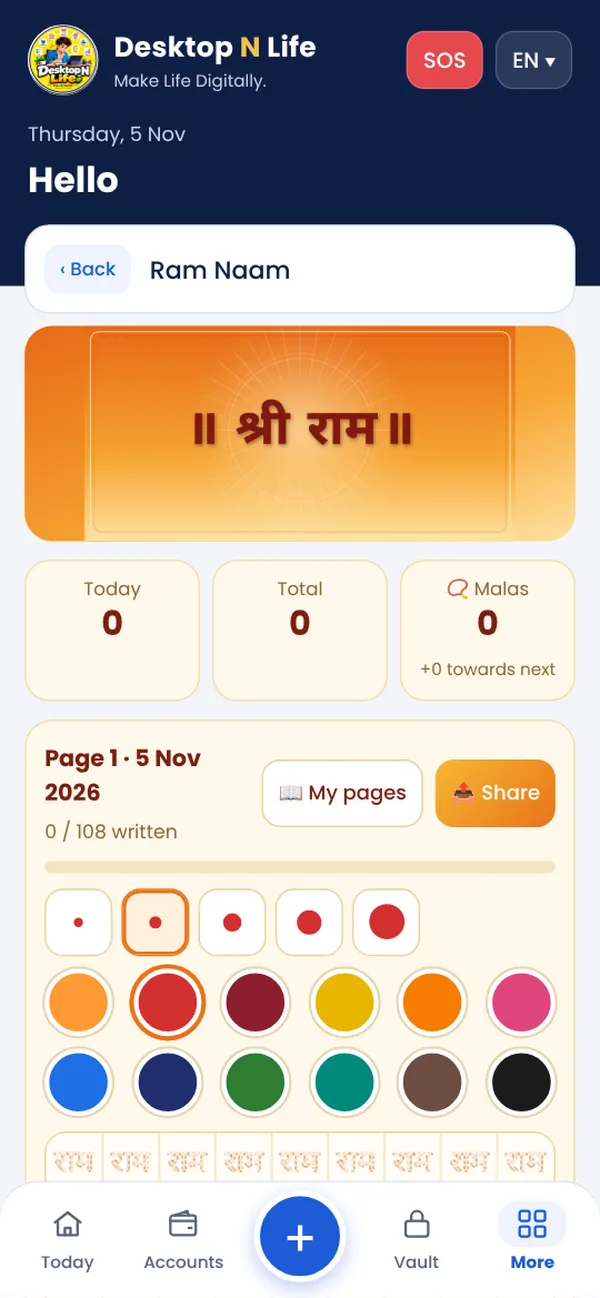
📿 राम नाम लेखन on your phone

108 dotted राम on every page — trace with your finger and the count goes up by itself. Malas, saved pages, and share a page as PNG or PDF. You can hide this tab in Settings.

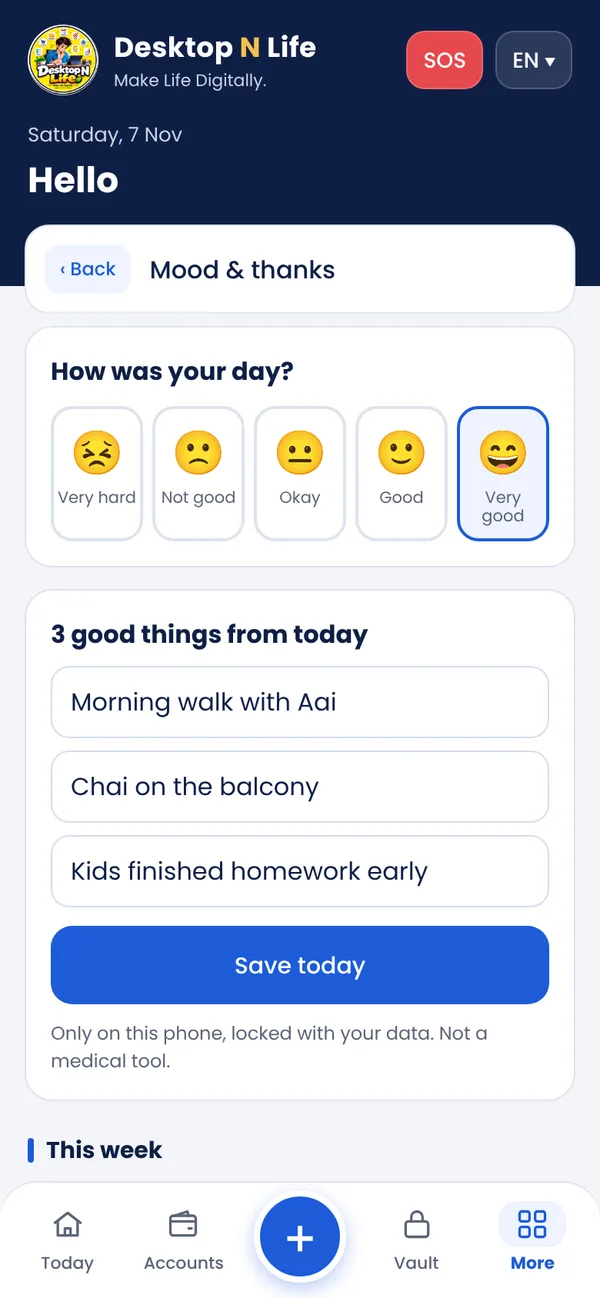
Calm daily tools — water, mood, sleep and focus

Count glasses of water against a daily goal, note how the day went and 3 good things, play rain, sea or fan sounds with a stop timer (made on the phone, no internet), and work in 25-minute focus blocks. A morning yoga reminder too.

Mandala colouring and easy Sudoku

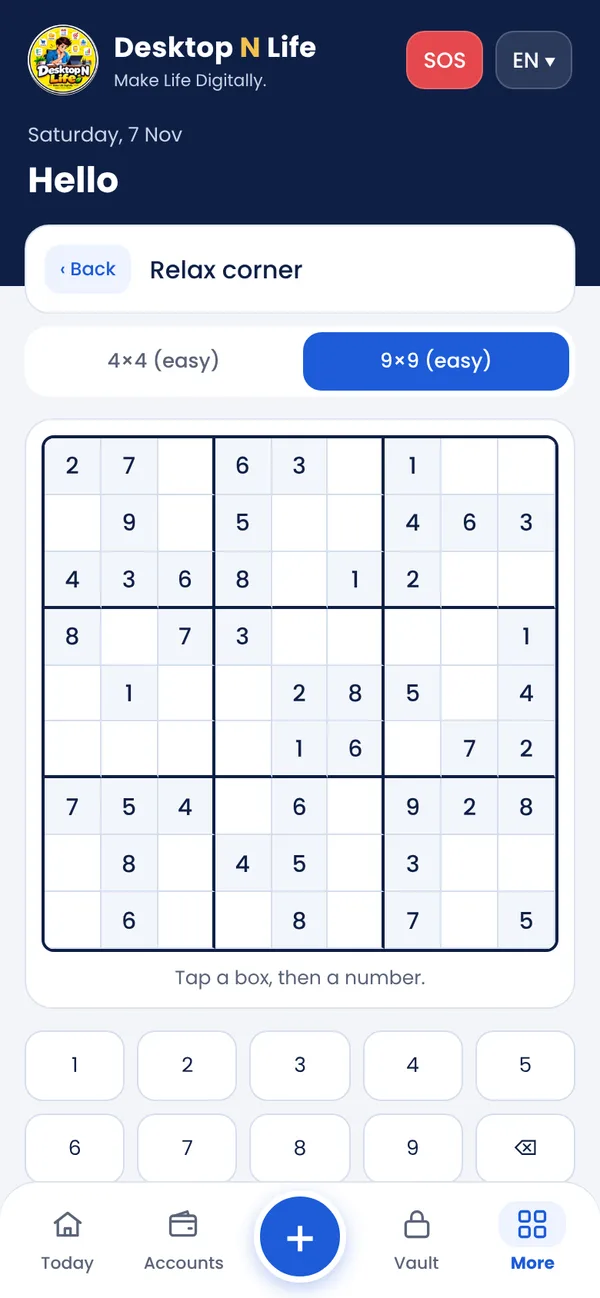
In the Relax corner: tap a part of the mandala to fill colour and save the picture, or solve an easy 4×4 or 9×9 Sudoku with hints. Ten quiet minutes, no ads.

🪔 Festival planner — budget and checklist

Plan Diwali (or any festival): a budget for clothes, sweets, gifts and puja with a warning before you go over, plus a room-by-room cleaning list and a shopping list you can tick. Not needed? Hide it in Settings.

  • Relax corner: memory pairs, bubble pop, 1-minute breathing, Mandala and Sudoku
  • Kirana price history: see which item got costlier month by month
  • My Board: write by hand with colours
  • Official newspaper e-paper links
  • Kids' vaccine checklist and school fees

Your data stays with you

  • Everything is saved only on your phone, encrypted (AES-256). No account, no copy on our servers.
  • PIN and fingerprint lock; the app locks itself when not in use.
  • Daily encrypted backup to your own Google Drive — only you can open it.
  • Hide money on screen (₹ ●●●●) — show it with your PIN or fingerprint.
  • Forgot the PIN? A recovery key sets a new one without losing data.
  • No ads, no tracking.

Read the privacy policy

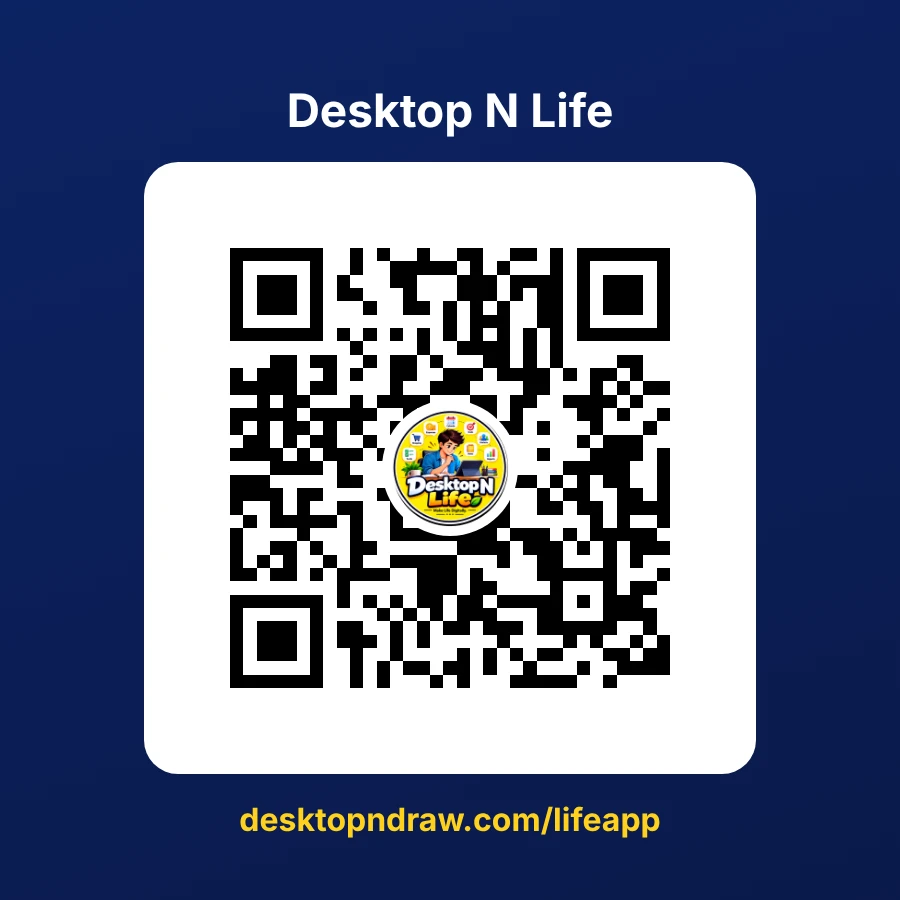
Desktop N Life QR poster: scan to open desktopndraw.com/lifeapp

Start in one minute

  1. Open the appScan the QR or open desktopndraw.com/lifeapp.
  2. Install itAndroid: Chrome ⋮ → Install app. iPhone: Safari Share → Add to Home Screen.
  3. Set it upChoose your language, set a PIN and connect Google Drive for backup.

Free right now

Every feature is open during launch. If paid plans come later, we will tell you inside the app first.

  • No ads
  • No sign-up
  • Works without internet
₹0

Questions families ask

Where is my data kept?

Only on your phone, encrypted. Desktop N Draw cannot see it. With Google Drive connected, an encrypted backup is also kept in your own Drive.

What if I lose my phone?

Install the app on the new phone, connect the same Google account and restore the latest backup with your PIN.

Is it safe to keep Aadhaar and PAN photos?

They are locked with your PIN and encrypted on the phone; nothing is uploaded to us. Never store card CVV, OTP or passwords in any app.

Do I need internet?

No — the app works offline. Internet is needed only to install it, for Google Drive backup, WhatsApp and e-paper links.

Is the yoga and diet advice medical advice?

No. It is general information from official sources (Ministry of AYUSH, ICMR-NIN). Ask your doctor before starting, especially with BP, heart, sugar, pregnancy or back / knee pain.

Which languages?

Marathi, Hindi and English — change any time in Settings.

Is it free?

Yes, every feature is free right now. If paid plans come later, we will tell you in the app first.

Have a shop?

For billing, stock and GST use Desktop N Shop — another app of the same family: desktopndraw.com/shop