Do I need internet?
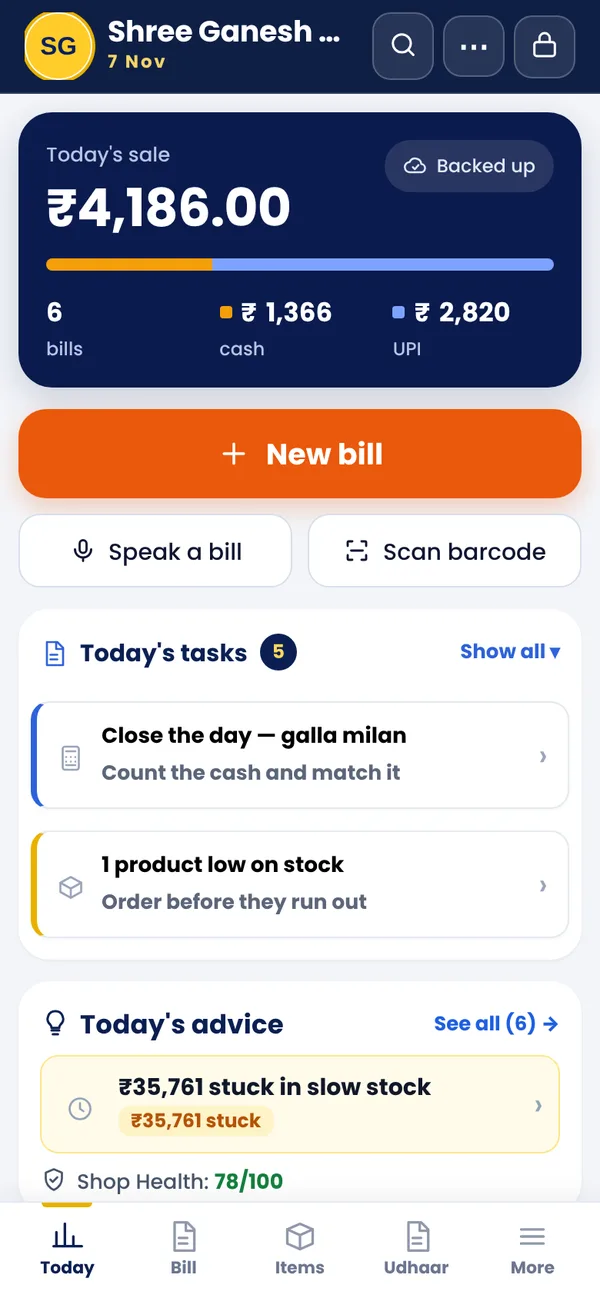
No. Billing, stock, udhaar and reports work without internet. Internet is needed only for WhatsApp sharing, Google Drive backup and linking phones.
What if my phone is lost or changed?
Keep a backup (Google Drive or the backup file). On the new phone, open the app, set a password and restore the backup with your old password or recovery code.
Can Desktop N Draw see my sales?
No. Your records are encrypted on your phone and only you can open them.
Does it work for GST and non-GST shops?
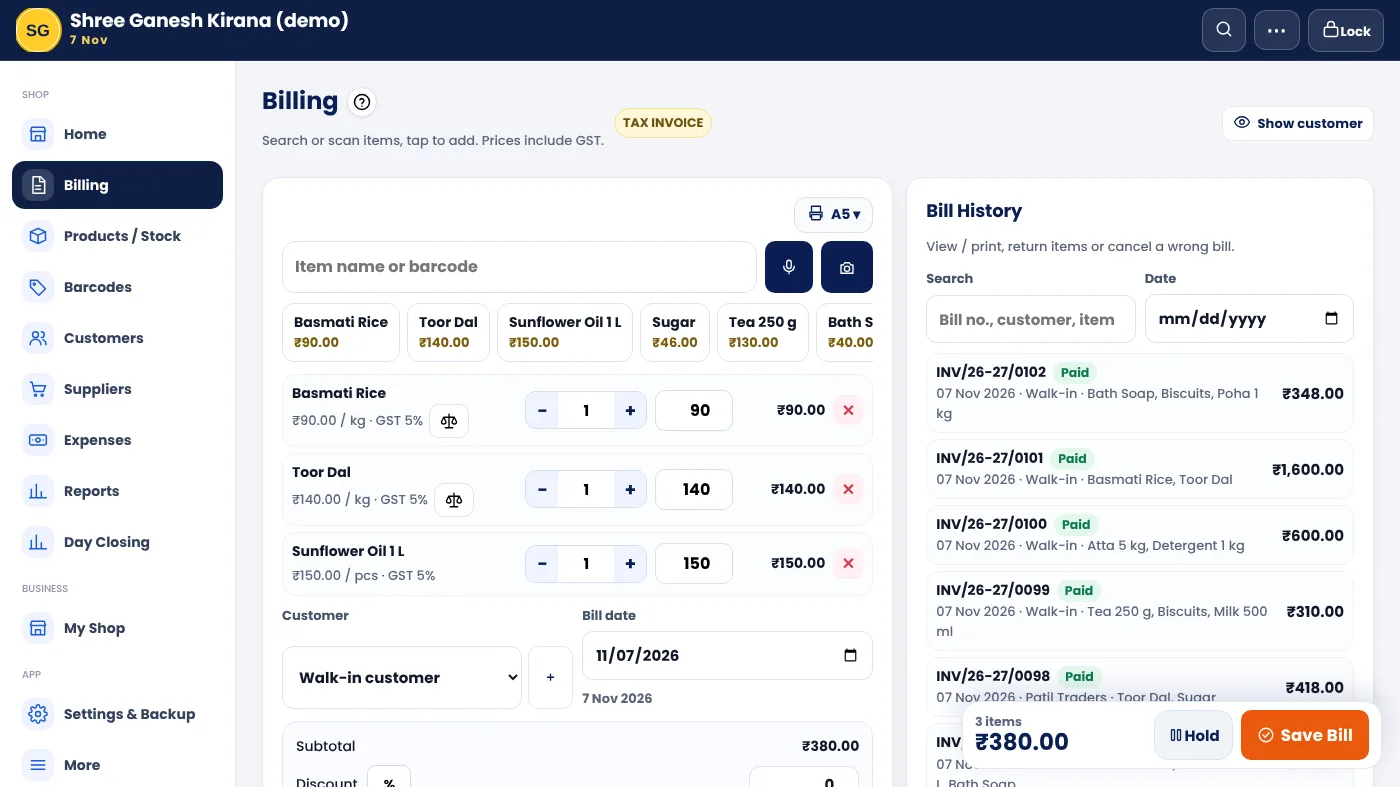
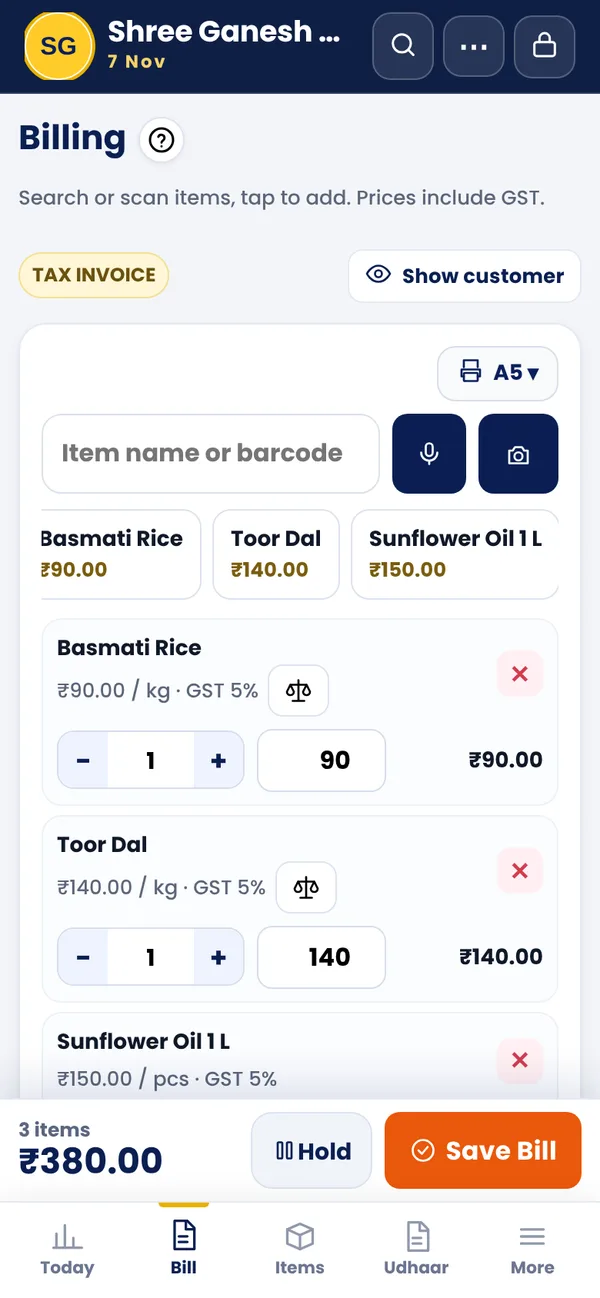
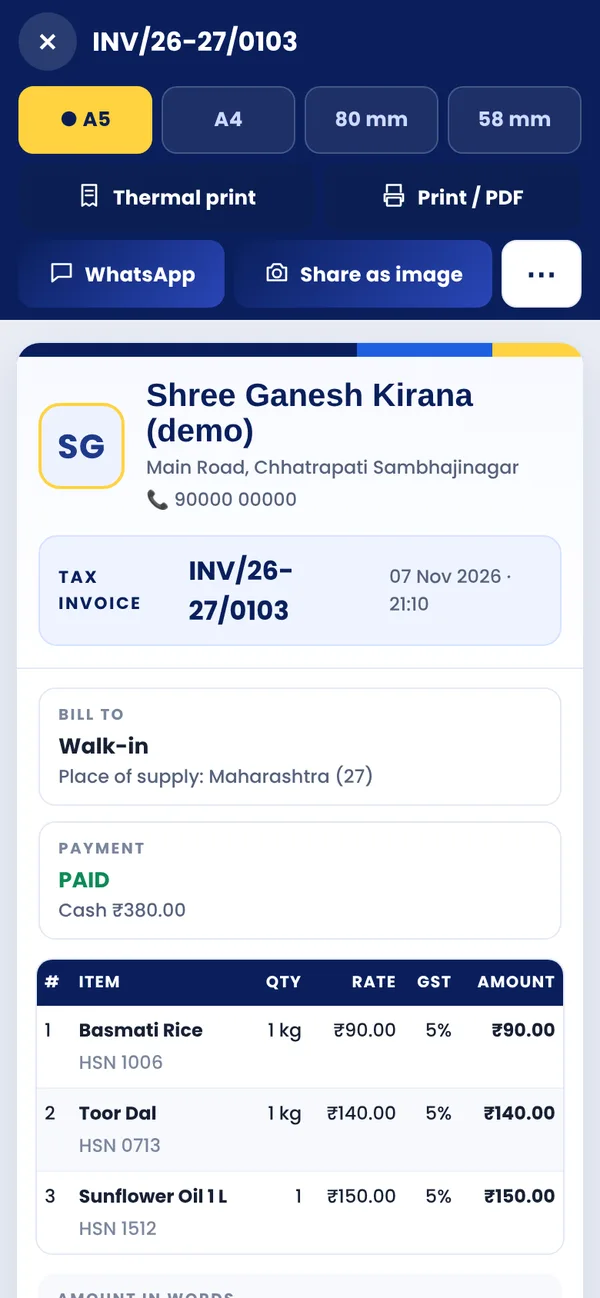
Yes. Choose Tax Invoice (Regular), Bill of Supply (Composition) or a simple cash memo. Please check GST figures with your CA before filing.
Can I use it on two phones?
Yes — link up to 5 phones of the same shop. Each staff member uses their own PIN.
Which printer works?
Any normal printer for A4 / A5 (or save as PDF). Bluetooth thermal printers of 58 / 80 mm also work (beta); the free RawBT app helps too.
Is it really free?
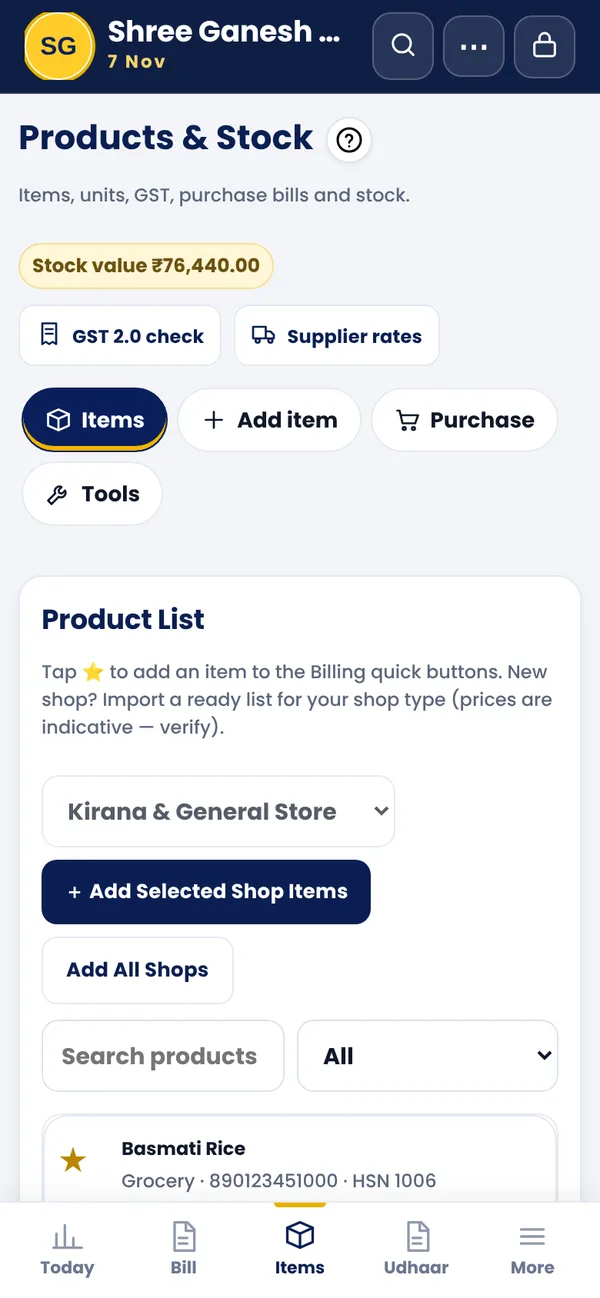
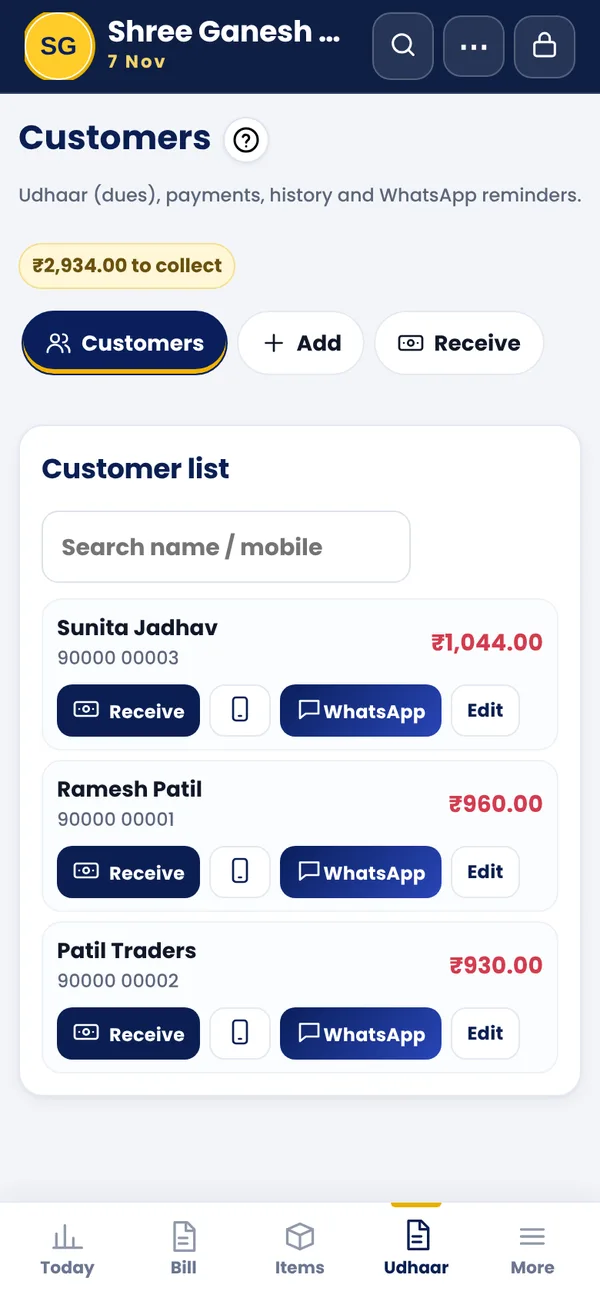
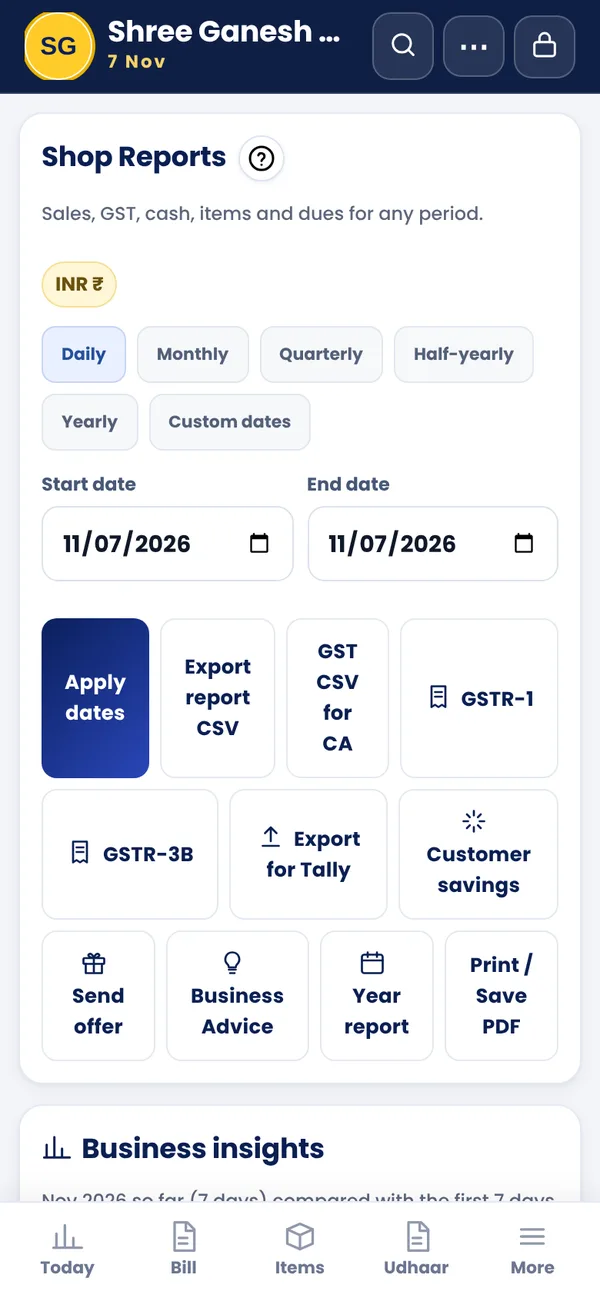
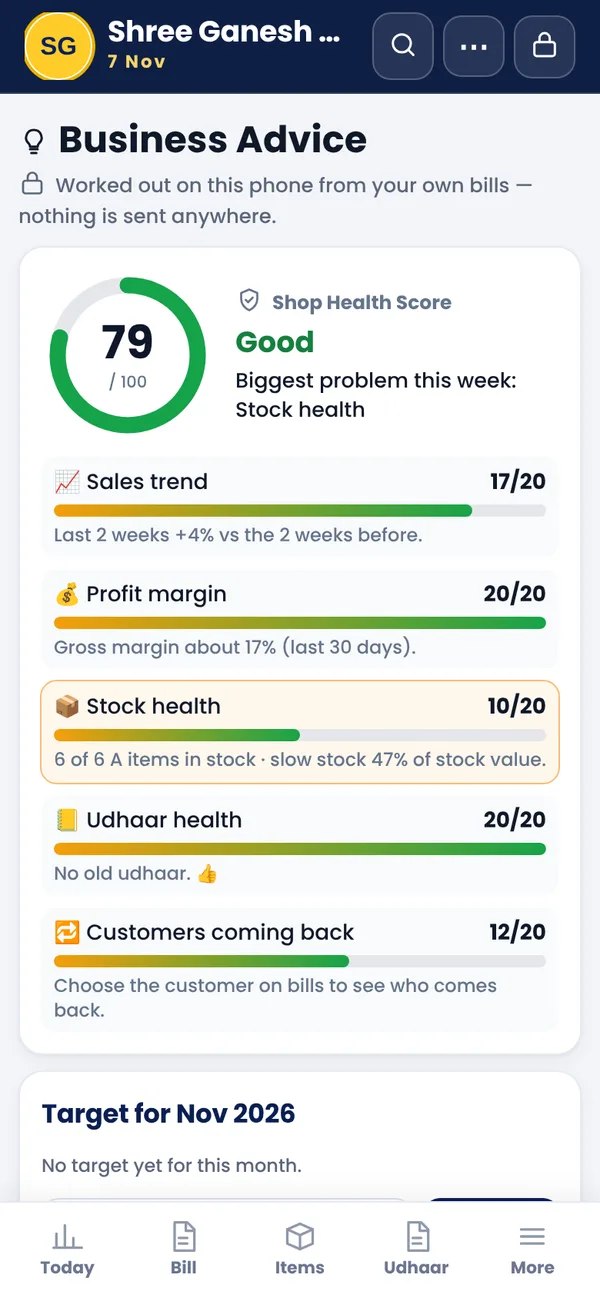
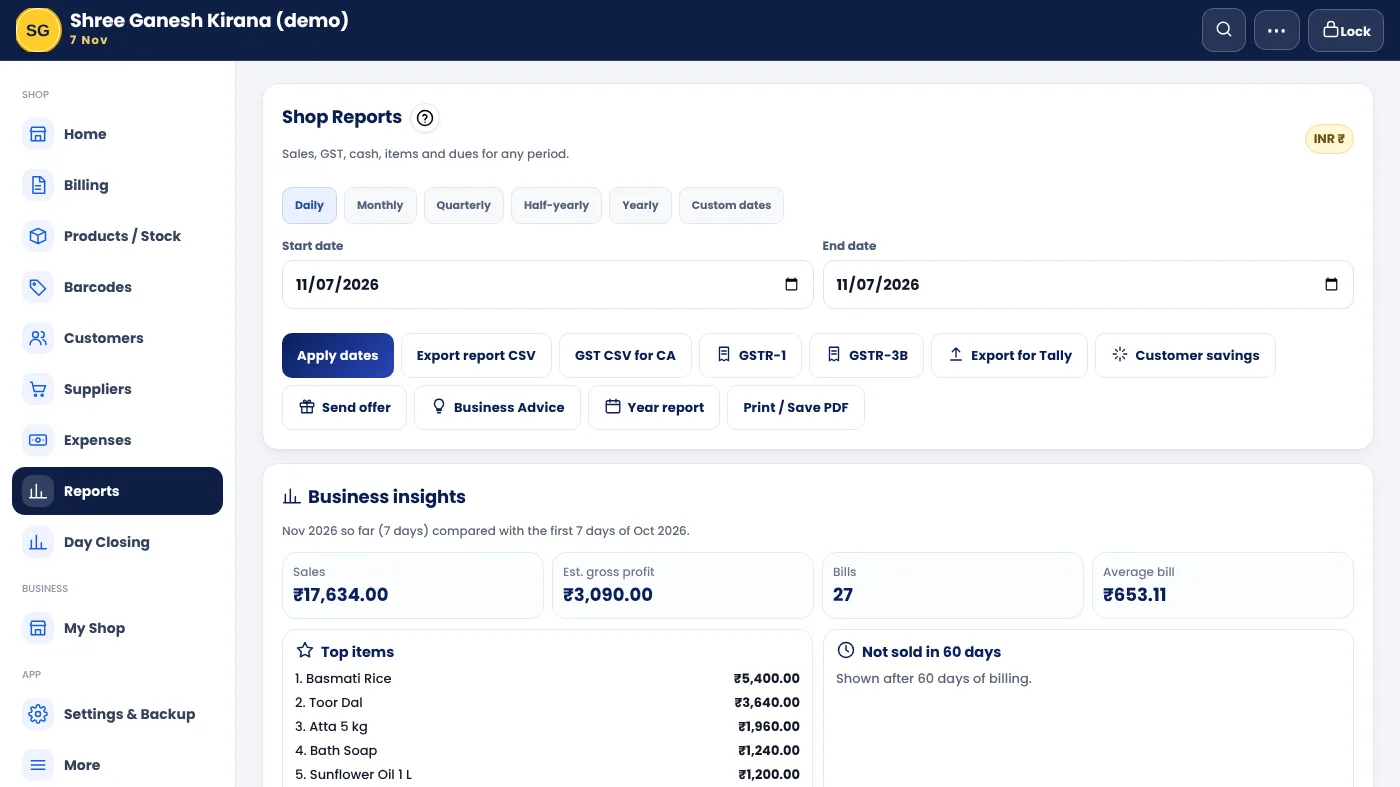
Yes. The Free plan has no time limit: GST bills (print or WhatsApp), stock, udhaar with WhatsApp reminders and today's total — on 1 phone. Reports, Business Advice, staff, cloud backup and more phones come with Basic or Pro. 🎉 Till 31 March 2027 the first year of Basic / Pro is 50% off.
Which languages?
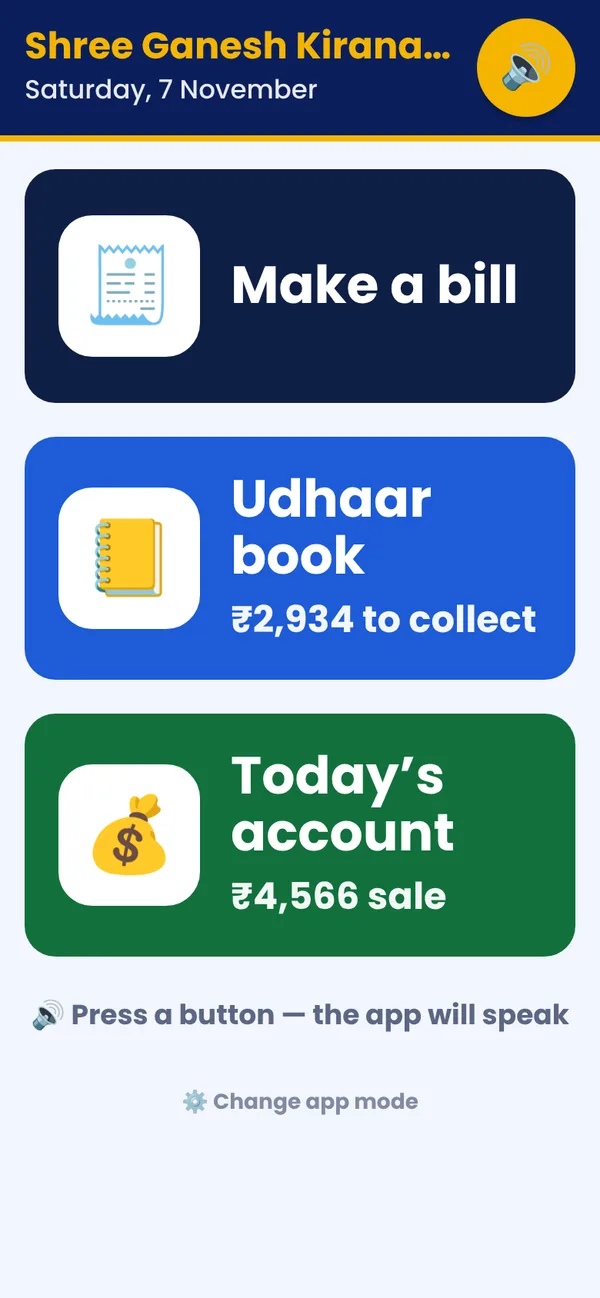
Marathi, Hindi and English. You can change the language any time.
How do I get help or report a problem?
In the app open More → Report a problem (problem, idea or question), or WhatsApp us on +91 97640 18789. We read every message.
How do I install it?
Open shop.desktopndraw.com in Chrome and tap Install (or Add to Home screen). On a Windows PC, install it from Chrome or Edge the same way. It updates by itself.
Does the app send my data when something goes wrong?
No. If the app hits an error it sends only the error line, the app version and the phone type — never bills, customers or amounts. It helps us fix problems faster.
 Desktop N Draw
 Desktop N Shop