Characters & fantasy
Anime-Inspired Art
Learn expressive faces, character design, colour and lighting with original characters.
A friendly digital art academy for anime-inspired characters, cute mini-art, landscapes, realistic drawing and guided workbook practice. Explore guided drawing workbooks, practise with confidence, and create artwork you feel proud of.
Beginner-friendly learning · Designed for creative practice · Mobile-friendly
The homepage stays consistent while featured lessons and workbooks can change as new projects launch.
Learn expressive faces, character design, colour and lighting with original characters.

Practise approachable subjects with clear shapes, guided steps and colour tips.
Build depth with colour, atmosphere, texture and simple lighting techniques.
A growing portfolio of digital drawing practice, mini-art, character studies and learning projects. New work will be added as it is published.
Expressive faces, cute characters, proportions, line art and colour practice.
Explore tutorials →Short mobile-friendly projects designed to build confidence one subject at a time.
View channel ↗Learn the interface, brushes, eraser, layers, colour, shading and export workflow.
Watch lessons ↗Practise atmosphere, depth, light and colour through nature-inspired studies.
Start learning →Observe, understand structure, practise with a grid, then try freehand.
Explore workbooks →A future showcase for learner artwork and creative progress. Submissions are not open yet.
Ask a question →Every learner deserves patient guidance. Build your skills through a simple process that turns big drawings into manageable steps.
Look carefully at the subject, its shapes, details and proportions.
Break the drawing into easy shapes, lines and useful layers.
Use guided steps and grid exercises to build confidence.
Finish your artwork, export it and feel proud of your progress.
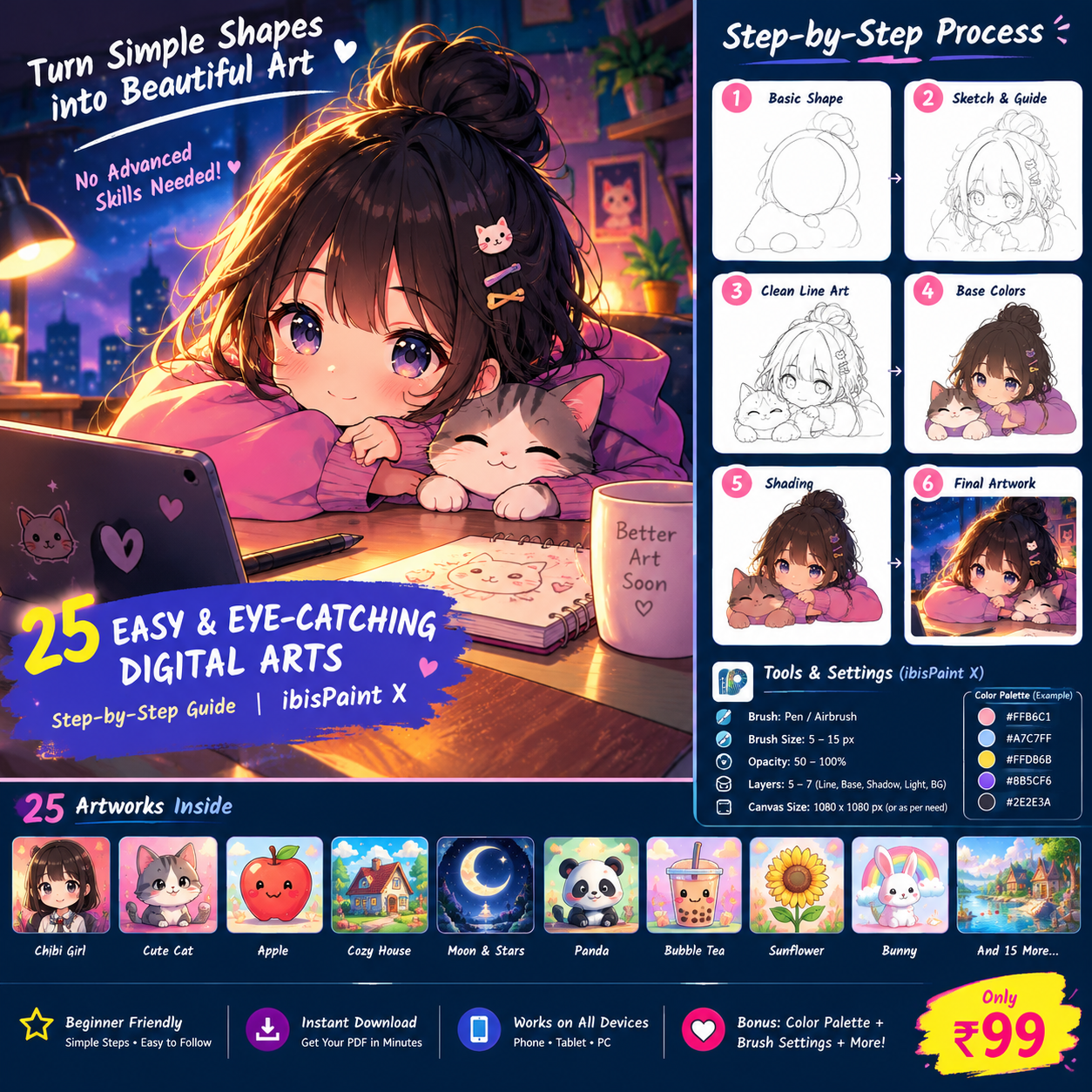
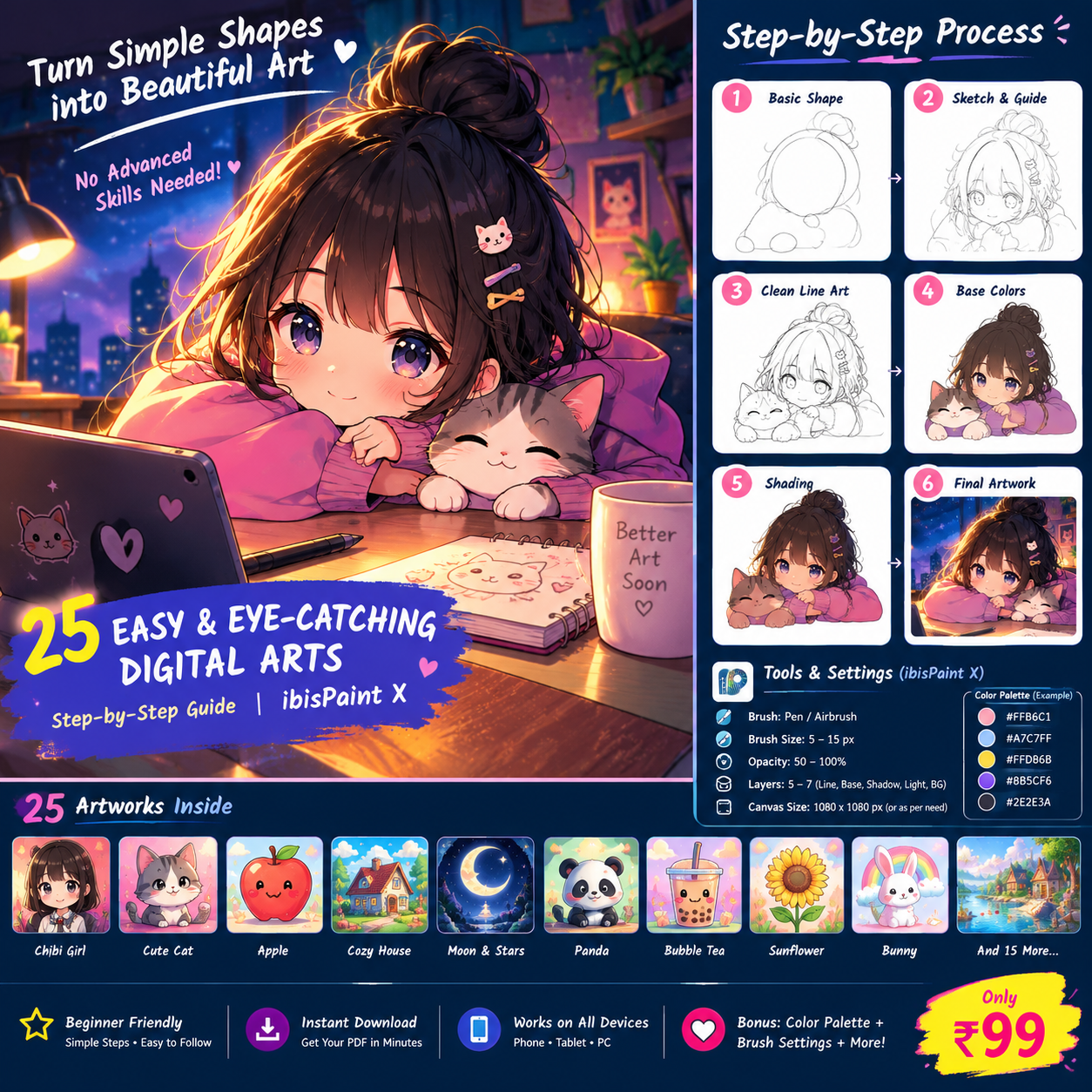
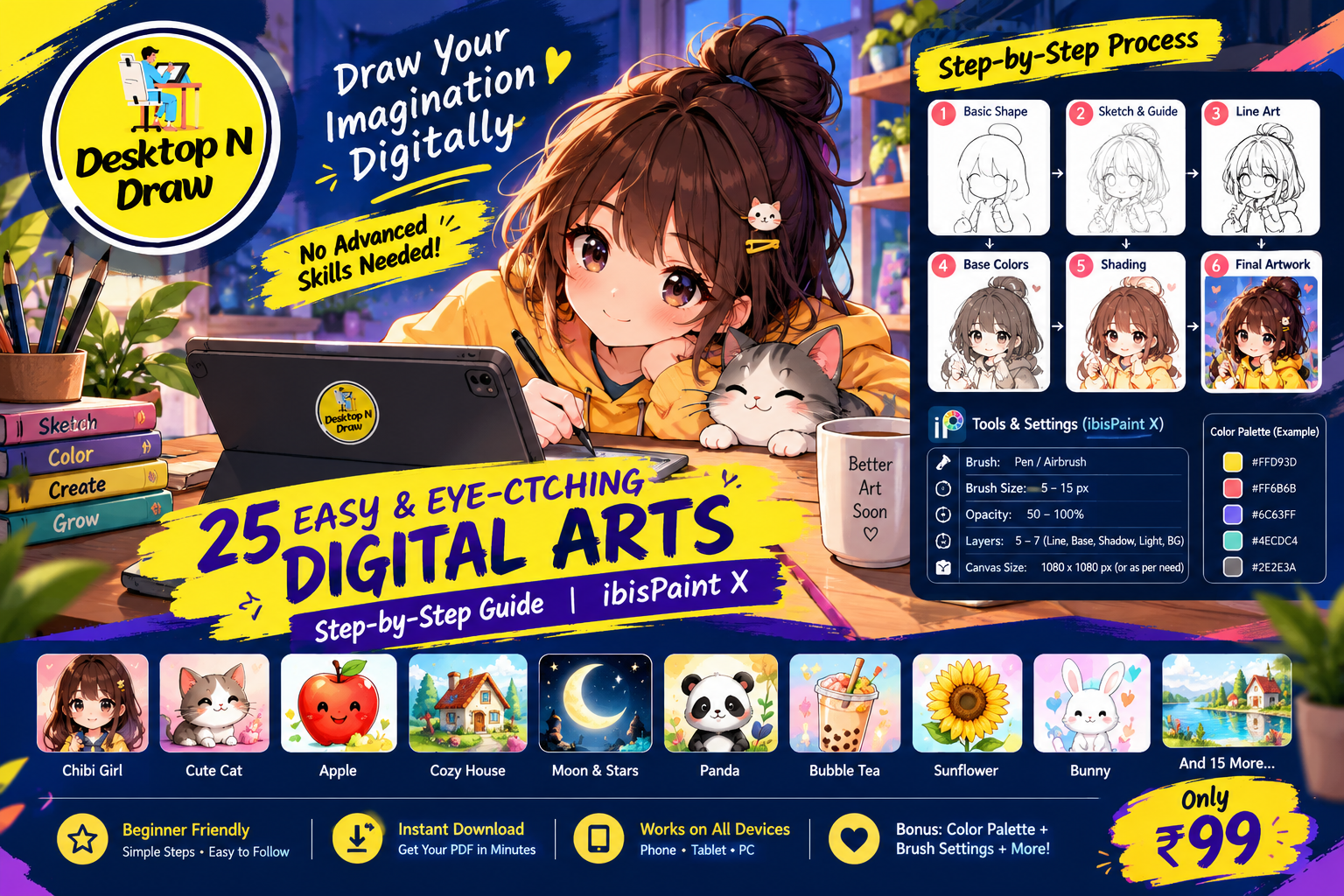
A guided workbook planned for beginners learning to draw with ibisPaint X. Follow the construction, practise the outline, add colour and shading, and finish your own artwork.
We’re preparing the final workbook and secure checkout. Payment and automatic PDF delivery are not active yet. Please don’t send payment until an official checkout link is published.
Visit the Desktop N Draw YouTube channel for digital art lessons and new learning resources.
Follow drawing lessons and practise new techniques at your own pace.
Visit YouTube channel ↗Build familiarity with digital brushes, layers, colours and finishing tools.
Explore lessons ↗Observe, understand, practise and create—one small achievement at a time.
See the learning journey ↓Browse learning categories. New printable PDFs will be added as each resource is quality-checked and ready to download.
Simple shapes, construction guides, and beginner-friendly practice sheets.
Ask for available PDFs →Observe, understand structure, practise with a grid, then try freehand.
Ask for available PDFs →Small drawing projects and cute character practice for digital artists.
Ask for available PDFs →Mobile digital art learning notes about brushes, layers, colour, and export.
Ask for available PDFs →Practice ideas for flowers, everyday objects, landscapes, and observation.
Ask for available PDFs →Free previews and sample pages will appear here once their final PDF files are uploaded.
Download buttons will be enabled when real files are available.We plan to feature selected student artwork after review and permission. Submissions are not automatically published.
Prepare your drawing image and tell us its title, category, and your preferred display name.
Open submission details ↓Artwork will only be shown publicly after Desktop N Draw reviews it and receives permission to display it.
A future feature for selected art with a short encouraging note from the academy.
Coming soonThis starter version uses email and does not upload or store images on the website. Send your details first, then attach your artwork manually in your email app. Please do not include your home address, school, phone number, or other private information.
Use guides to understand proportions, then gradually build confidence drawing freehand.
Desktop N Draw is built around gentle, practical learning. Our aim is to help beginners move from confusion to creation with clear instructions, useful practice and room to grow.
Created by Nagesh Joshi, Desktop N Draw encourages learners to observe carefully, understand structure, practise patiently and create with confidence.
Draw Your Imagination Digitally.
Starter tips from the Desktop N Draw learning philosophy.
Break a complex subject into circles, ovals, boxes and guiding lines before adding details.
Keep sketch, clean line art, base colours, shadows and highlights organised on separate layers where useful.
Use a grid as a learning aid to understand proportions, then gradually reduce your dependence on it.
As the academy grows, this section will be updated with product-specific details.
Yes. Many lessons are planned around mobile-friendly digital drawing workflows, including ibisPaint X. Check each lesson for its specific tools and requirements.
You can visit the Desktop N Draw YouTube channel for published tutorials. Some future workbooks or learning products may be paid and will be clearly labelled.
Not yet. Checkout and automatic PDF delivery are not active. Please do not send payment until an official working checkout link is published.
Use the contact form below. It opens your email app to prepare a message; sending depends on your email app and account.
Student Gallery submissions are not open yet. Contact us to ask about future opportunities.
Send a message about tutorials, workbooks, learning resources or partnership enquiries.
Email: enquiry.desktopndraw@gmail.com
YouTube: @desktopndraw
Instagram: @desktopndraw
Creator: Nagesh Joshi
The contact form prepares an email in your device email app; review and send it there.
These are starter notices for a learning website. They should be reviewed and completed before collecting customer data or accepting payments.
This static website does not currently provide a server-backed contact form or active checkout. If you use the contact form, your device's email app is opened and you choose whether to send the message. Before adding analytics, mailing lists, payment services or other integrations, this notice must be updated to describe the actual data collected, purpose, service providers, retention and contact process.
Learning material is provided for personal educational practice unless a product page states otherwise. Do not copy, redistribute, resell or claim ownership of artwork or materials without permission from the rights holder. Specific product terms must be displayed before a purchase is enabled.
Digital product checkout and automatic delivery are currently inactive. No payment should be requested through this page. Before launch, publish accurate product contents, file format, delivery process, support contact and a refund/cancellation policy that complies with applicable law and the payment provider's rules.
© Desktop N Draw. Website text, original artwork and learning materials are protected to the extent provided by applicable law. Third-party names and tools belong to their respective owners.